1 min read
Google Fonts extension for VS Code
An essential extension for front-end developers, Google fonts for VS Code
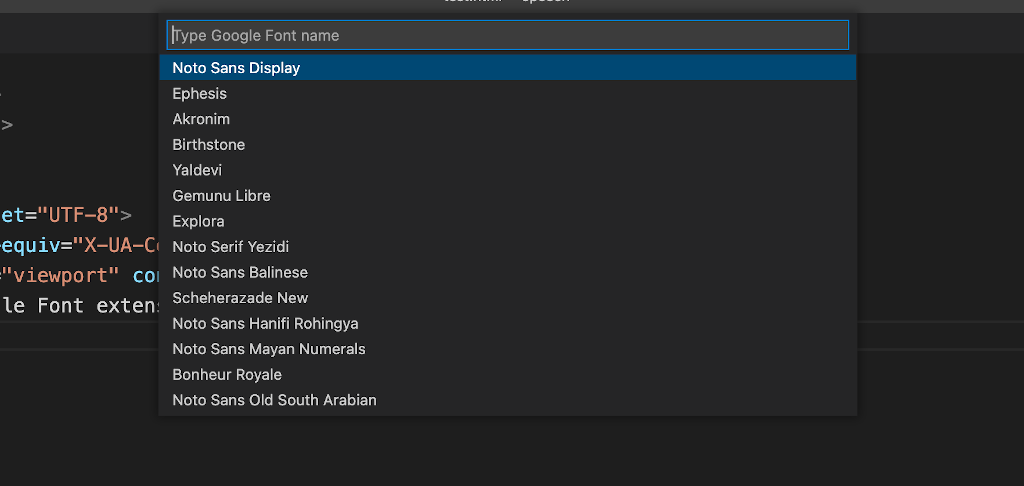
I would like to introduce an essential extension for front-end developers who use VS Code editor. It's Google Fonts extension and allows you to browse the Google Fonts list and insert into your code either a HTML or a CSS.
Don't forget using IDE or text-editor (like VS Code and sublime text) is not only to accomplish your work with less effort but also to save your time.
Extension links -> Google Fonts
1. Install above extension in VS code.
2. Ctrl + Shift + p or Cmd + shift + p for MacOS.
3. Type Google Fonts and select your options (links or Import).
4. Search and select your font.