Sample Bottom Sheet Dialog Fragment
Sample source codes for Bottom Sheet with rounded top corners, default and expanded states
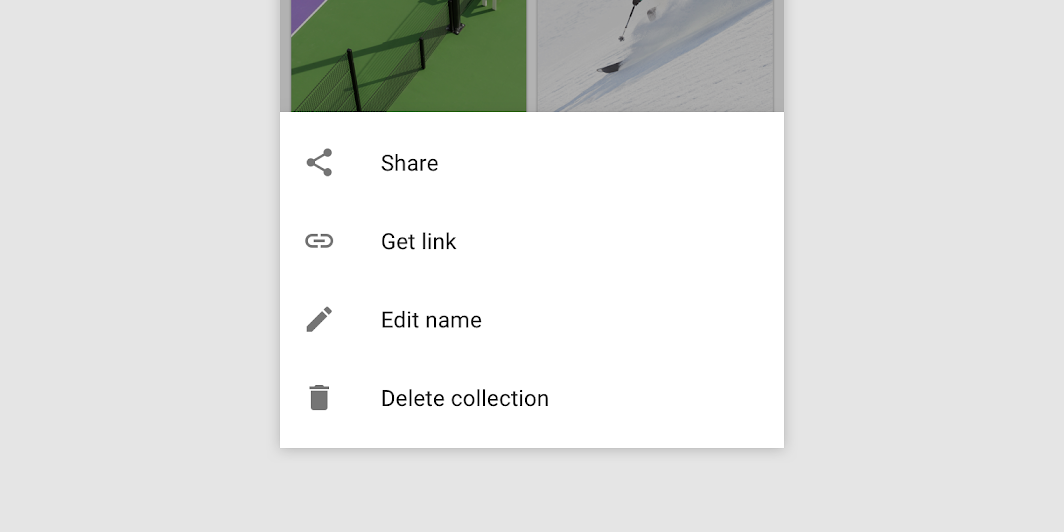
According to material.io, there are three types suitable for different use cases:
1. Standard bottom sheets display content that complements the screen’s primary content. They remain visible while users interact with the primary content.
2. Modal bottom sheets are an alternative to inline menus or simple dialogs on mobile and provide room for additional items, longer descriptions, and iconography. They must be dismissed in order to interact with the underlying content.
3. Expanding bottom sheets provide a small, collapsed surface that can be expanded by the user to access a key feature or task. They offer the persistent access of a standard sheet with the space and focus of a modal sheet.
The modal bottom sheet sample codes include :
1. Rounded top corners
2. Default state
3. Expanded state

Don't forget to study the codes, try to understand why and how it does work.
The sample bottomsheet layout is designed to be used for your requirements.
If it's helpful, share this blog to your friends!
The preview bottomsheet image is from material.io.