1 min read
How to sync System, Light and Dark themes in Flutter.
Sample codes for syncing themes in Flutter with Provider and Shared preferences.

- Sync theme with Provider.
- Save theme-setting in Shared preferences.
- Sample codes for ToggleButtons.
At first, you need to add provider and shared-preferences packages.
Run the following two commands to add required packages.
$ flutter pub add shared_preferences
$ flutter pub add provider
How it works :
1. Theme-setting value is saved in device's shared preferences.
2. When it is opened, the app theme is synced with saved theme-setting value (default is system theme).
3. Toggling theme appearances with provider.
I hope you can easily understand the sample codes.
ThemeMode.system will follow the device system theme.
Demo preview.
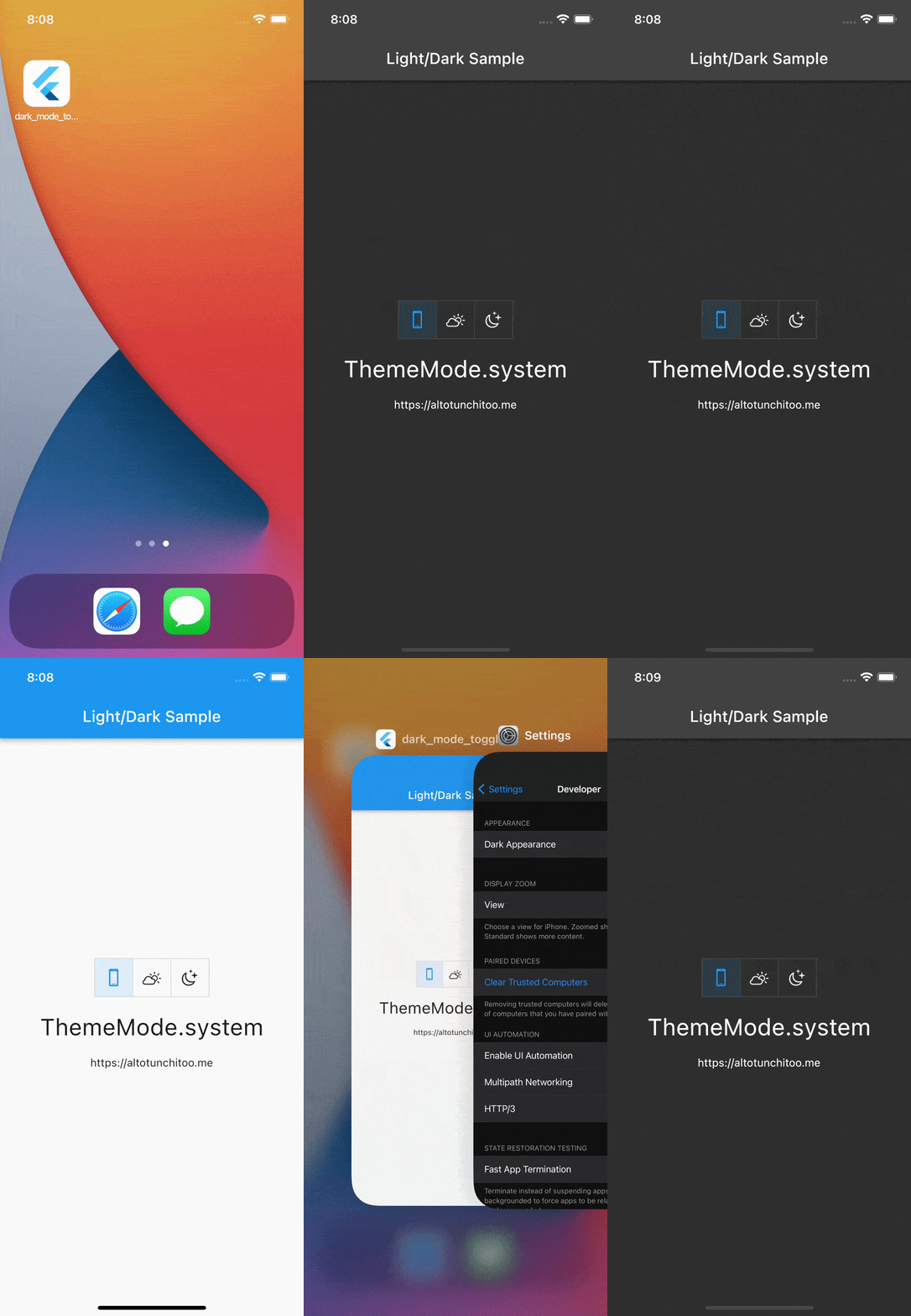
Here the sample codes.
Happy coding!